
Carousel example 3
From Bootstrap for MediaWiki
| Component | ||
|---|---|---|
| Name | Carousel | |
| Description | Carousel with captions, written in Bootstrap's own markup | |
| Provider | Skin | |
| Note | The code differs a little from Bootstrap's documentation, because MediaWiki does not allow buttons in wikitext. Keep each image on the same line as the opening tag of its slide. The slides start to change after the first click on an arrow or a dot; the carousel of the BootstrapComponents extension starts by itself. | |
| Reference | getbootstrap.com - carousel | |
| Styling | For all possible color styles and corresponding examples, see colors. | |
Carousel with captions
- Code
<div class="carousel slide mb-3" id="carousel-captions" data-bs-ride="carousel" style="max-width: 363px">
  <div class="carousel-indicators">
    <div class="active" data-bs-target="#carousel-captions" data-bs-slide-to="0" role="button" aria-label="Slide 1"></div>
    <div data-bs-target="#carousel-captions" data-bs-slide-to="1" role="button" aria-label="Slide 2"></div>
    <div data-bs-target="#carousel-captions" data-bs-slide-to="2" role="button" aria-label="Slide 3"></div>
  </div>
  <div class="carousel-inner">
    <div class="carousel-item active">[[File:DSC02166 363.jpg|363px|link=|alt=Yellow cactus flowers|class=img-fluid]]
      <div class="carousel-caption bg-dark bg-opacity-50 rounded py-1 mb-3">Yellow cactus flowers</div>
    </div>
    <div class="carousel-item">[[File:DSC02180 363.jpg|363px|link=|alt=A pink cactus flower|class=img-fluid]]
      <div class="carousel-caption bg-dark bg-opacity-50 rounded py-1 mb-3">A pink cactus flower</div>
    </div>
    <div class="carousel-item">[[File:DSC02201 363.jpg|363px|link=|alt=A white cactus flower|class=img-fluid]]
      <div class="carousel-caption bg-dark bg-opacity-50 rounded py-1 mb-3">A white cactus flower</div>
    </div>
  </div>
  <div class="carousel-control-prev" data-bs-target="#carousel-captions" data-bs-slide="prev" role="button" tabindex="0"><span class="carousel-control-prev-icon" aria-hidden="true"></span><span class="visually-hidden">Previous</span></div>
  <div class="carousel-control-next" data-bs-target="#carousel-captions" data-bs-slide="next" role="button" tabindex="0"><span class="carousel-control-next-icon" aria-hidden="true"></span><span class="visually-hidden">Next</span></div>
</div>
- Result
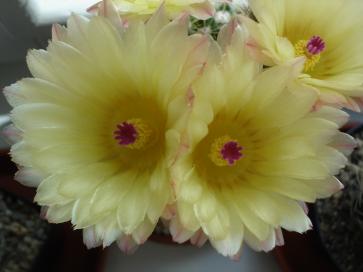
Yellow cactus flowers
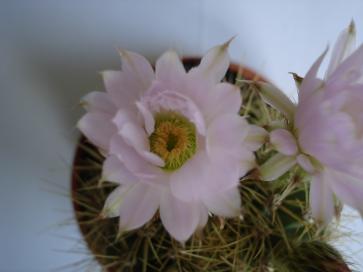
A pink cactus flower
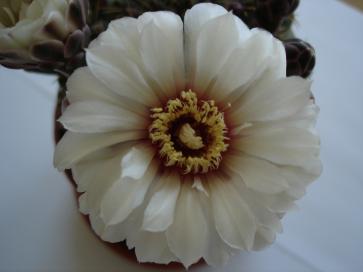
A white cactus flower
Previous
Next


